-={K-O-R-U-N}=-
Jigsaw
-={K-O-R-U-N}=-'s setup
- Processor & Cooler
- AMD Ryzen 7 3700x / AMD Wraith Prism Cooler
- Motherboard
- ASUS ROG STRIXX B450-F
- Storage
- Kingston KC2000 NVMe PCIe SSD
- PSU
- Corsair HX1000 (full modular)
- RAM
- 4 x 8gb G-SKILL Sniper X 3200Mhz
- Video card
- Gainward RTX 3090 Phoenix
- Case
- Lian-Li Lancool 215
- Mouse
- Razer Deathadder v2 X Hyperspeed
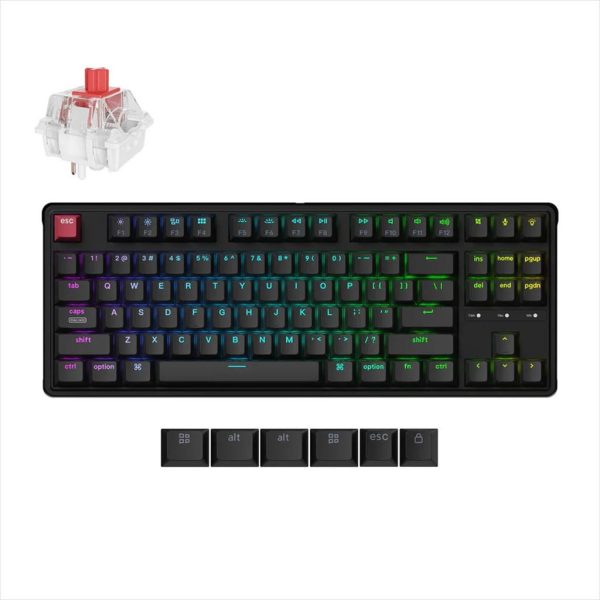
- Keyboard
- GMK67 Custom build
- Audio
- Asus ROG Delta Core \ HyperX USB Amp
- Monitor
- Samsung Odyssey G7 32" QHD 240Hz \ BenQ PD3200Q 32" QHD
- OS
- Windows 11 Pro
Дечки може да се тргне, нема потреба од никаков рут или xposed.
To remove qslide from your notification tray...
First, pull down the notification tray, then in the quick setting at the top, scroll to the right and look for qslide. If you have it, toggle it and qslide will go away. If you don't have it in quick settings already, select edit and add it in. Then go back and toggle it, then return to settings and remove the qslide toggle. Qslide will be gone like it should be and we will have world peace!
Како што кажав, ги одштиклирав сите опции, пак си стојат. Инаку Qslide e комплетна друга опција, не е тоа за слајдерите.